
Docs
Billing & usage
Billing and usage live under Settings → Billing (admin).
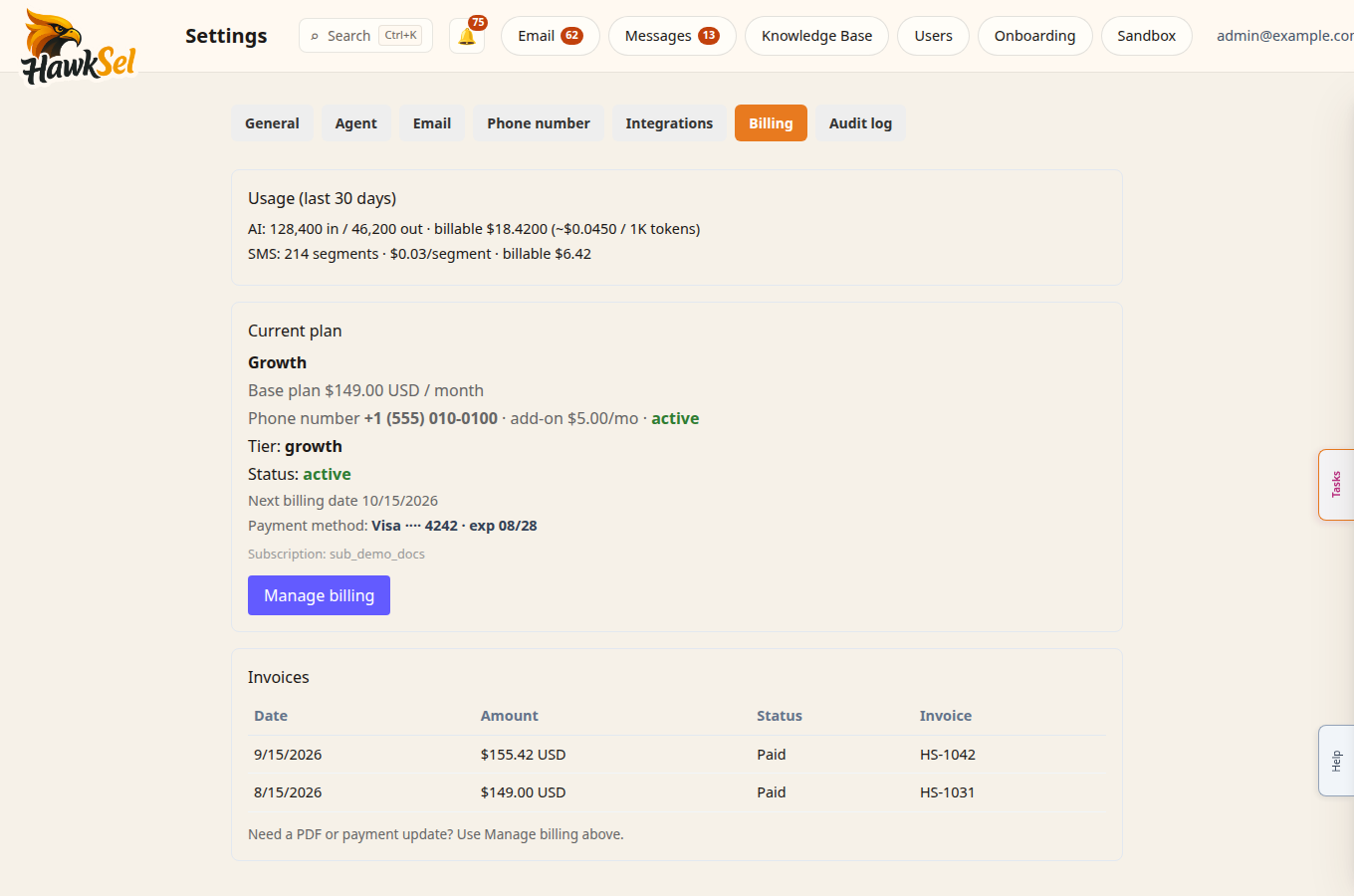
What you may see
Depending on billing_channel (Stripe direct vs Shopify app):
| UI | Meaning |
|---|---|
| Manage billing | Opens Stripe customer portal or Shopify billing UI |
| Billing not configured | An admin still needs to connect payment / finish onboarding billing |
| Managed in Shopify | Plan changes and invoices are handled in Shopify admin |
| Invoices list | Recent invoices when the API returns them |
| Usage summary | AI tokens and SMS segments for a recent period |
What is metered
HawkSel meters customer-channel AI replies and SMS segments for org billing. Summaries appear in Billing so you can forecast spend.
Not billed to your organization
Help → Ask HawkSel Help answers use a dedicated product-docs path and are not written to your org’s billable AI usage. Use Help freely for “how do I…?” product questions.
Sandbox and live agent traffic may still consume metered AI depending on path — keep Sandbox tests purposeful.
Practical tips
- Confirm billing before high SMS volume.
- For payment failures, use Manage billing or Contact support from Help.
- Shopify-billed orgs should change plans in Shopify, not expect a separate Stripe portal.
Related
- Settings
- Getting started — onboarding billing step
- Troubleshooting