
Docs
Knowledge Base
The Knowledge Base (KB) is what HawkSel retrieves when answering customers. Keep it factual, current, and written in the voice you want customers to hear.
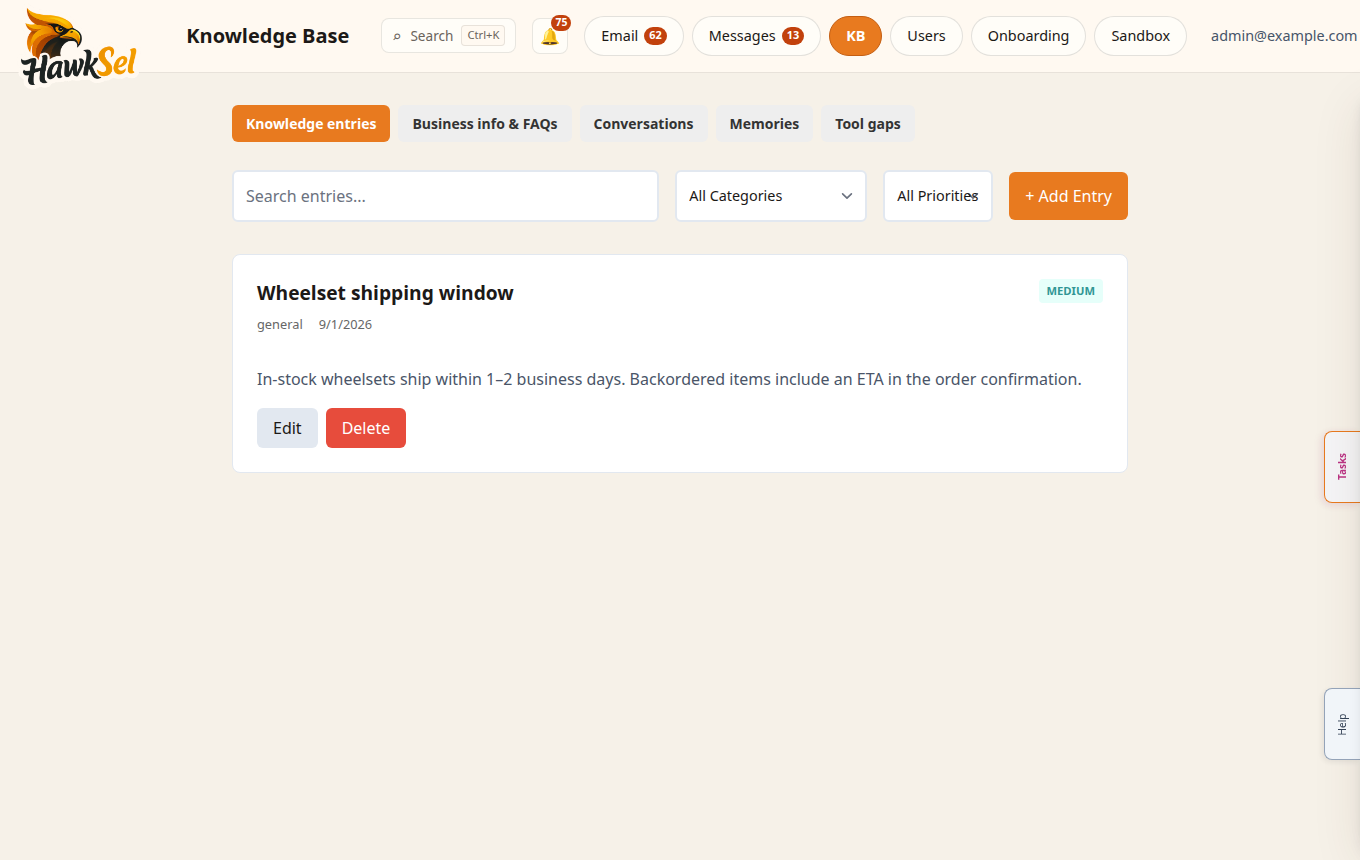
Open the Knowledge Base
- Top nav: Knowledge Base or compact KB
- Or More → Knowledge Base
Tabs
Availability depends on your plan / subscription features:
| Tab | Purpose |
|---|---|
| Knowledge entries | Curated Q&A and articles the agent can retrieve |
| Business info & FAQs | Business profile facts and frequent questions |
| Conversations | Review harvested conversations for training signals |
| Memories | Auto-learned memories awaiting human review |
| Tool gaps | Moments the agent lacked a tool or answer |
Add or edit knowledge
- Open Knowledge entries or Business info & FAQs.
- Click Add entry (or edit an existing row).
- Write a clear title / question and a complete answer customers can trust.
- Save. Future email/SMS/Sandbox replies for your org can use the update.
Review queues
Memories
Approve, edit, or reject auto-learned facts before they become trusted KB. Reject noisy or incorrect memories quickly so they are not reused.
Conversations
Review past chats that may be good training examples or need correction. Use this when the agent repeatedly mishandles a topic.
Tool gaps
If the same gap appears often, either enable a tool under Settings → Agent or document a manual escalation path in KB.
When the agent uses the KB
The agent searches your org KB for inbound email and SMS (and Sandbox tests). It should not invent warranty, shipping, or refund policies that are not in your KB or tools. After large edits:
- Retest in Sandbox.
- Spot-check a live thread with AI on carefully.
- Update Settings → Agent policies if the agent should escalate instead of answering.